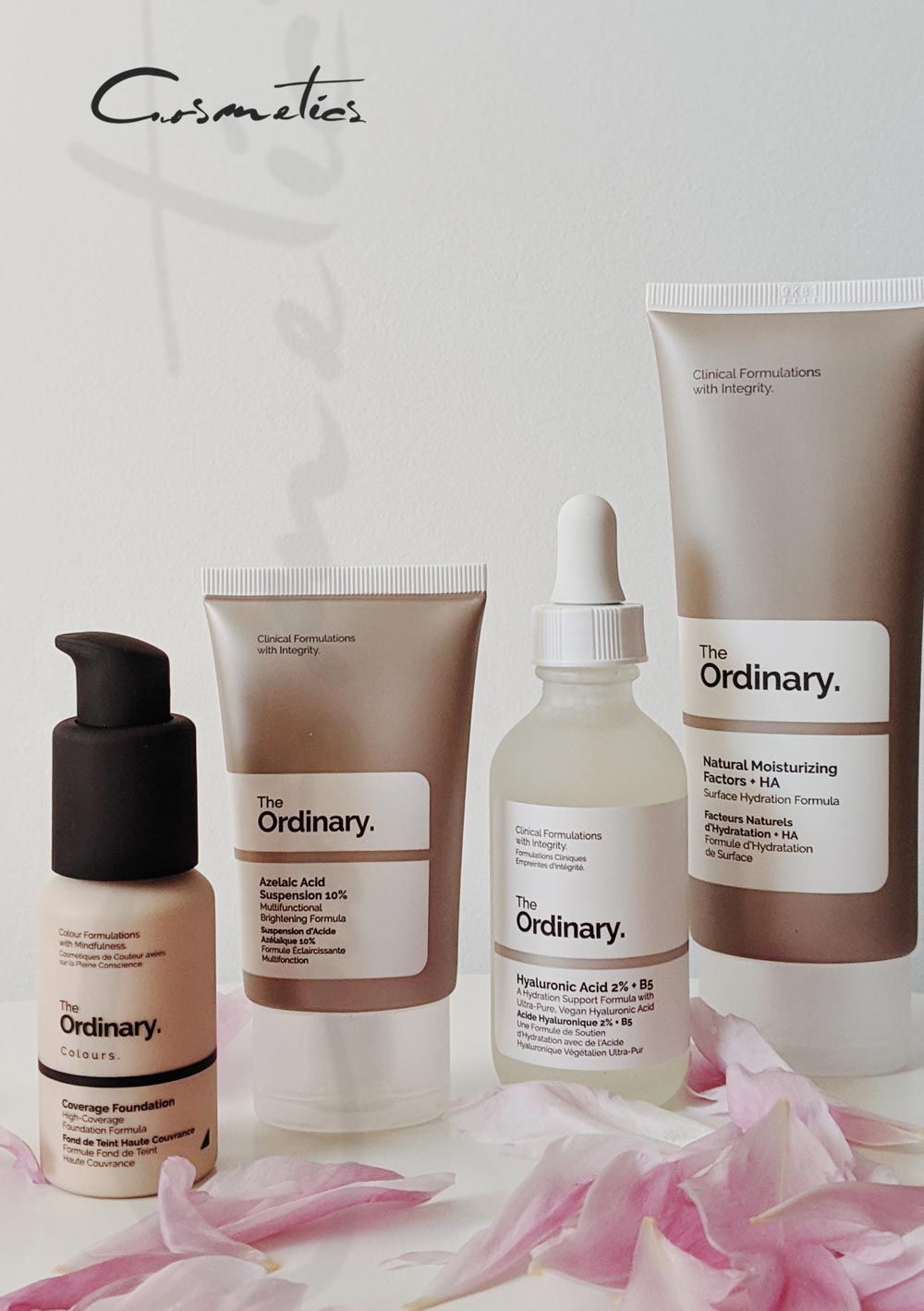
Slide Background
01. Slide Background
Every slide includes a background, which can be a picture or solid color.
Step 1

To change the background click on the label bar and in the layer window select the style tab.

Step 2

Choose a source from the background top tab then upload an image or pick a background color.

Build & Design
02. Build & Design
Build any layout with layers and customize your designs limitlessly.
Step 1

To add a layer, click the green plus button in the left sidebar and select the type of layer.

Step 2

Select any layer and you can edit its content and style properties in the layer window.

About

Helping You Look Good

Let’s Talk about Beauty

Lorem ipsum dolor sit amet, consectetur adipiscing elit, sed do eiusmod tempor incididunt ut labore et dolore magna aliqua. Ut enim ad minim veniam, quis nostrud exercitation ullamco laboris nisi ut aliquip ex ea commodo consequat. Duis aute irure dolor in reprehenderit in voluptate velit esse cillum dolore.

Aenean sollicitudin, lorem quis bibendum auctor, nisi elit consequat ipsum, nec sagittis sem nibh id elit vulputate cursus a sit amet mauris.

Features of Our Products
Duis aute irure dolor
Sed do eius mod
Laboris nisi ut aliquip
Duis aute irure dolor
Sed do eius mod
Laboris nisi ut aliquip
About

Season Sale

Lorem ipsum dolor sit amet, consectetur adipiscing elit. Ut elit tellus, luctus nec ullamcorper mattis.

Free Shipping

Lorem ipsum dolor sit amet, consectetur adipiscing elit. Ut elit tellus, luctus nec ullamcorper mattis.

Money Back Guarantee

Lorem ipsum dolor sit amet, consectetur adipiscing elit. Ut elit tellus, luctus nec ullamcorper mattis.

0

Subtotal